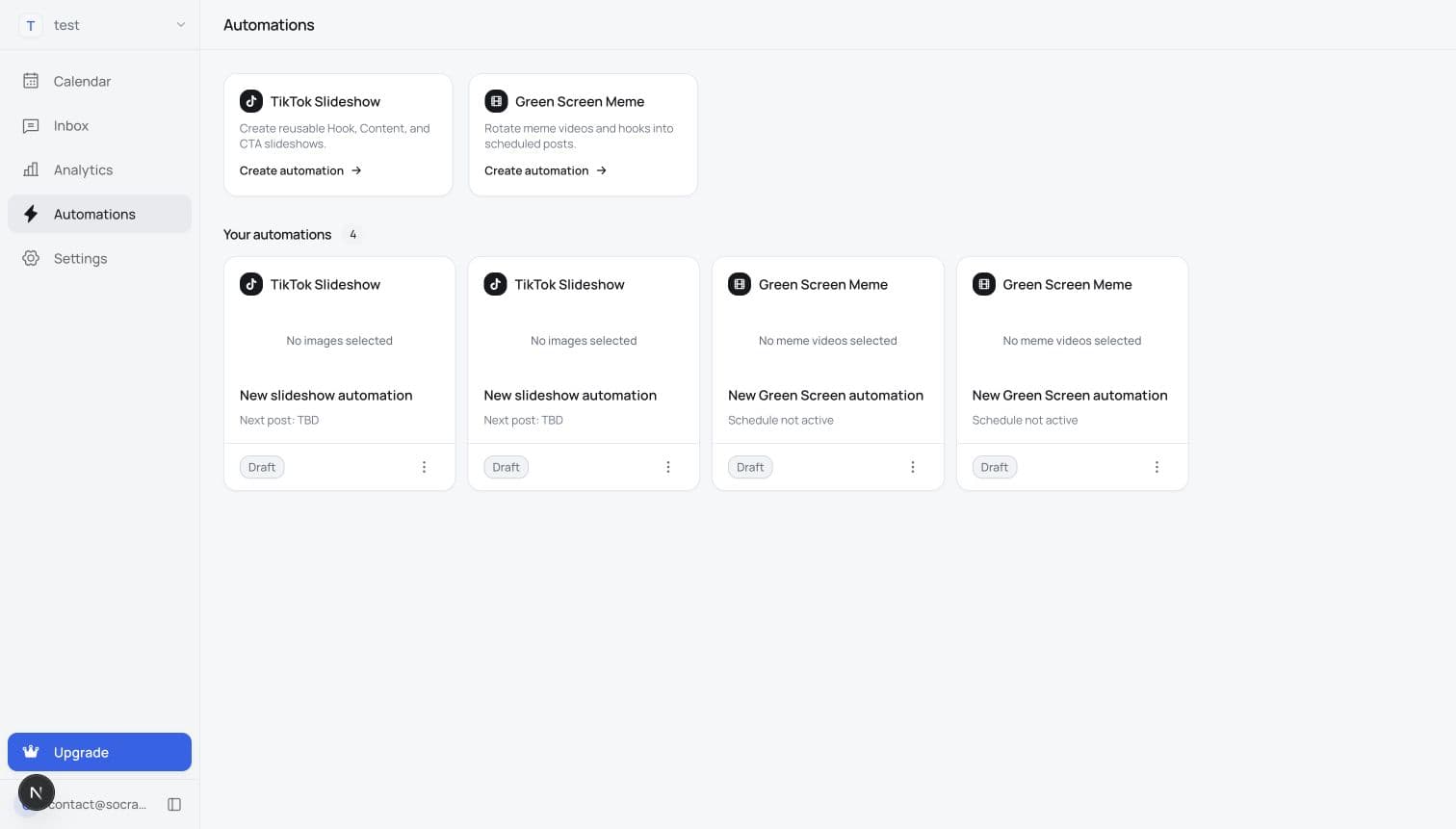
1.Choose what to automate
Start with a TikTok slideshow or green-screen meme, then add the hooks, images, clips, and format rules it can use.
Keep your product visible with posts that publish on schedule.
Slideshows
Green-screen meme
Video shorts
Start with a TikTok slideshow or green-screen meme, then add the hooks, images, clips, and format rules it can use.
Connected destinations


Choose one TikTok account for a slideshow, or select supported connected accounts across platforms for a green-screen meme automation.
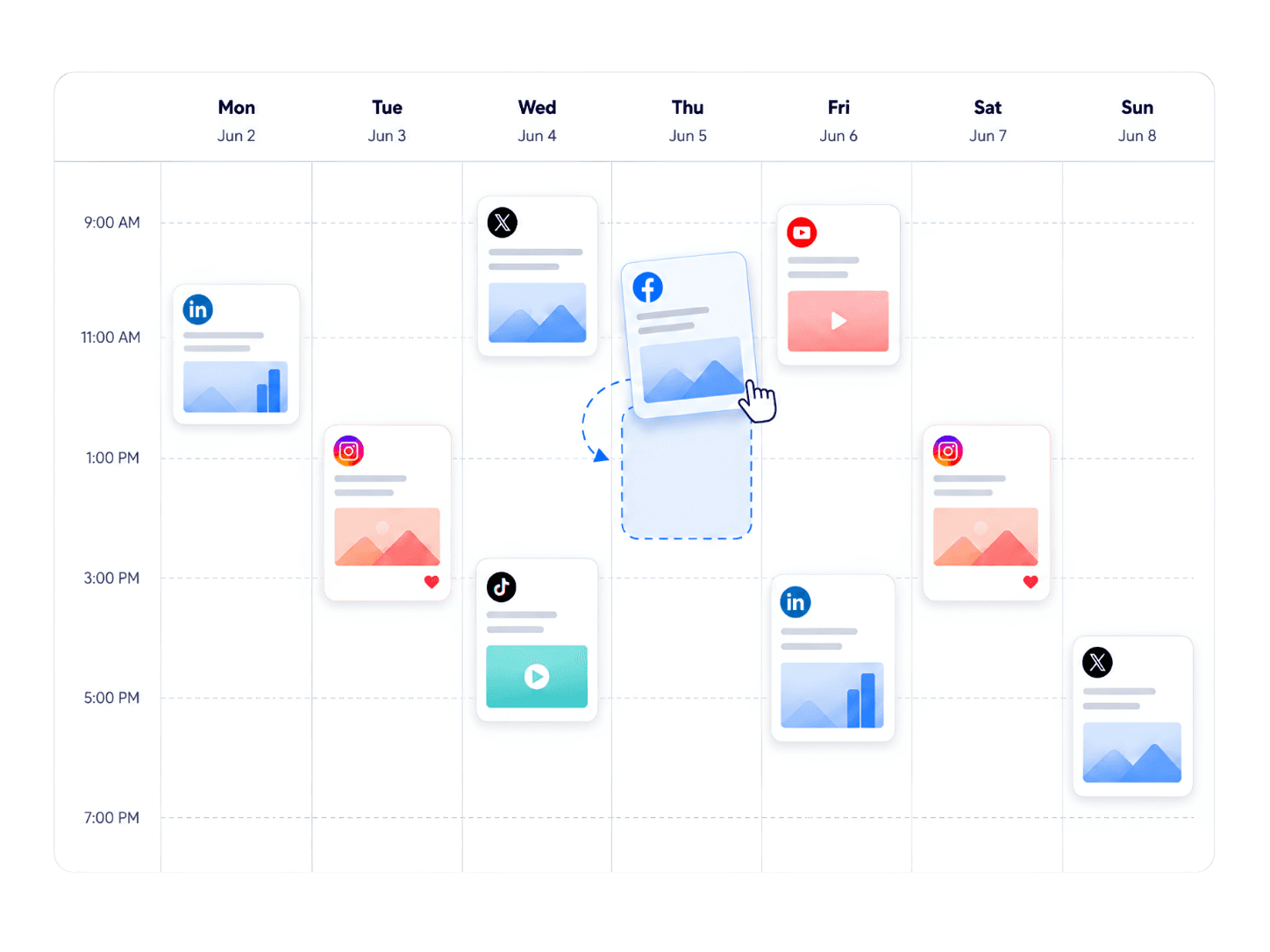
Choose the days, times, and publishing settings. Once you approve automatic publishing, Socrazi creates and publishes each next post on schedule.
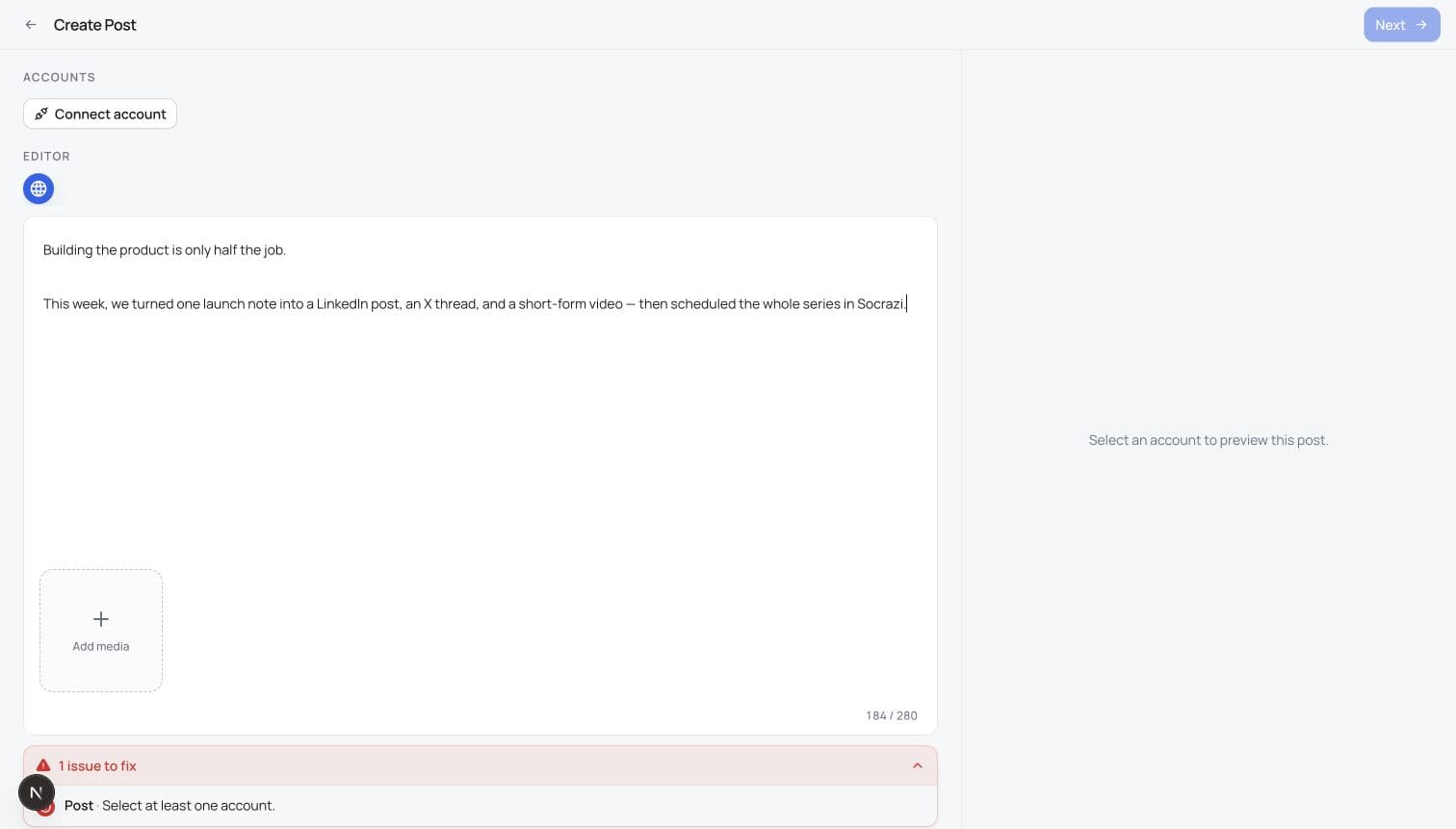
Draft the message and add the image or video you want to publish.
Connected destinations
Choose the connected accounts, then customize the copy or media where each platform needs it.
Pick the date and time, then keep every selected account visible on one clear calendar.
Build reusable hook, content, and CTA slides, choose the cadence, and let the automation prepare the next post.
Choose a reaction clip, add a product or story background, and turn the contrast into a native short-form joke.
Combine footage, captions, music, and a clear hook into a vertical video ready for Reels, TikTok, and YouTube Shorts.
Build reusable content banks, generation rules, destinations, and schedules for TikTok slideshows and green-screen memes.
Plan manual posts and automated content on one calendar, then publish to connected accounts at the time you choose.
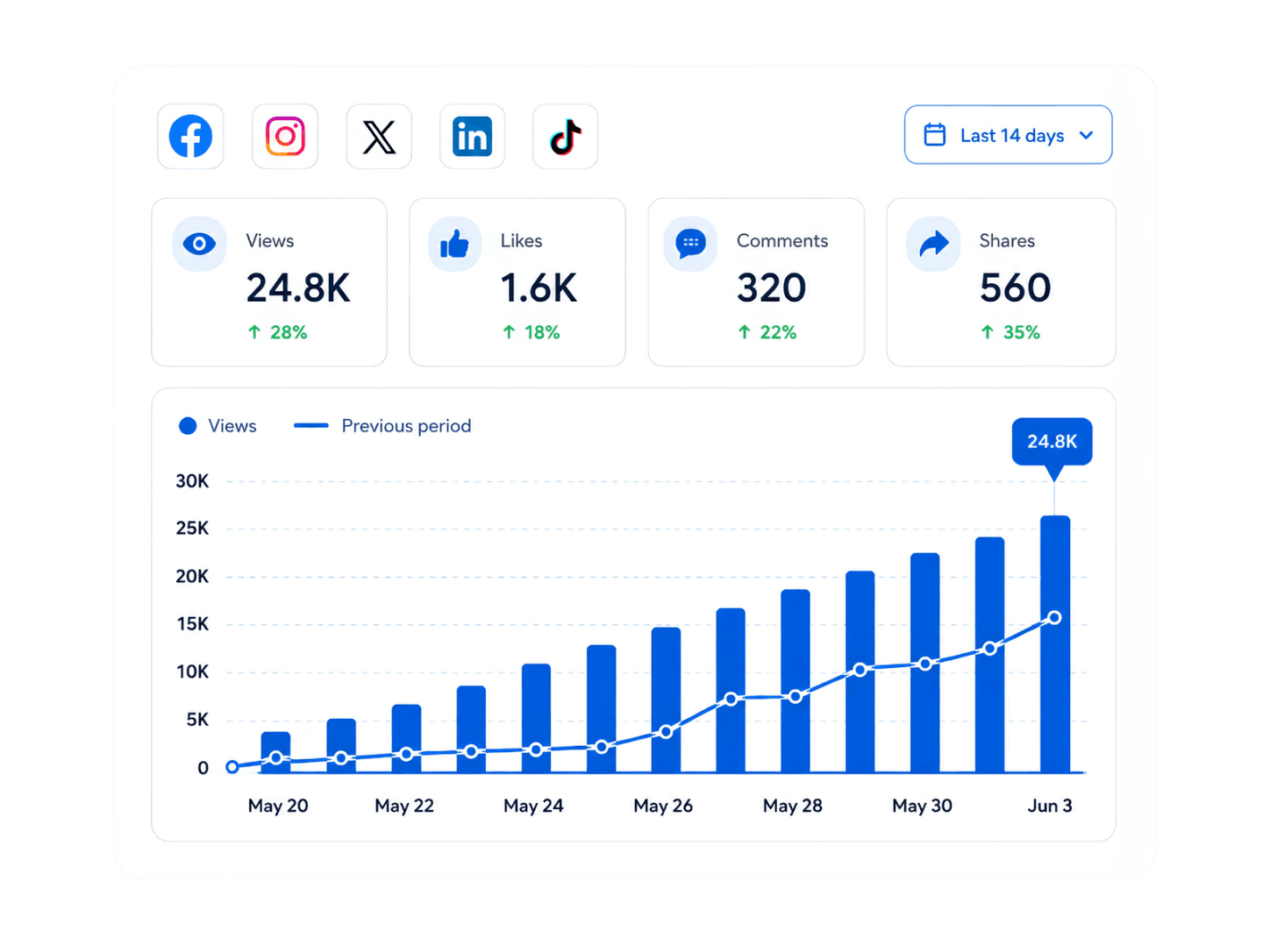
Track views, likes, comments, and shares, then connect the results back to the posts and accounts that earned them.
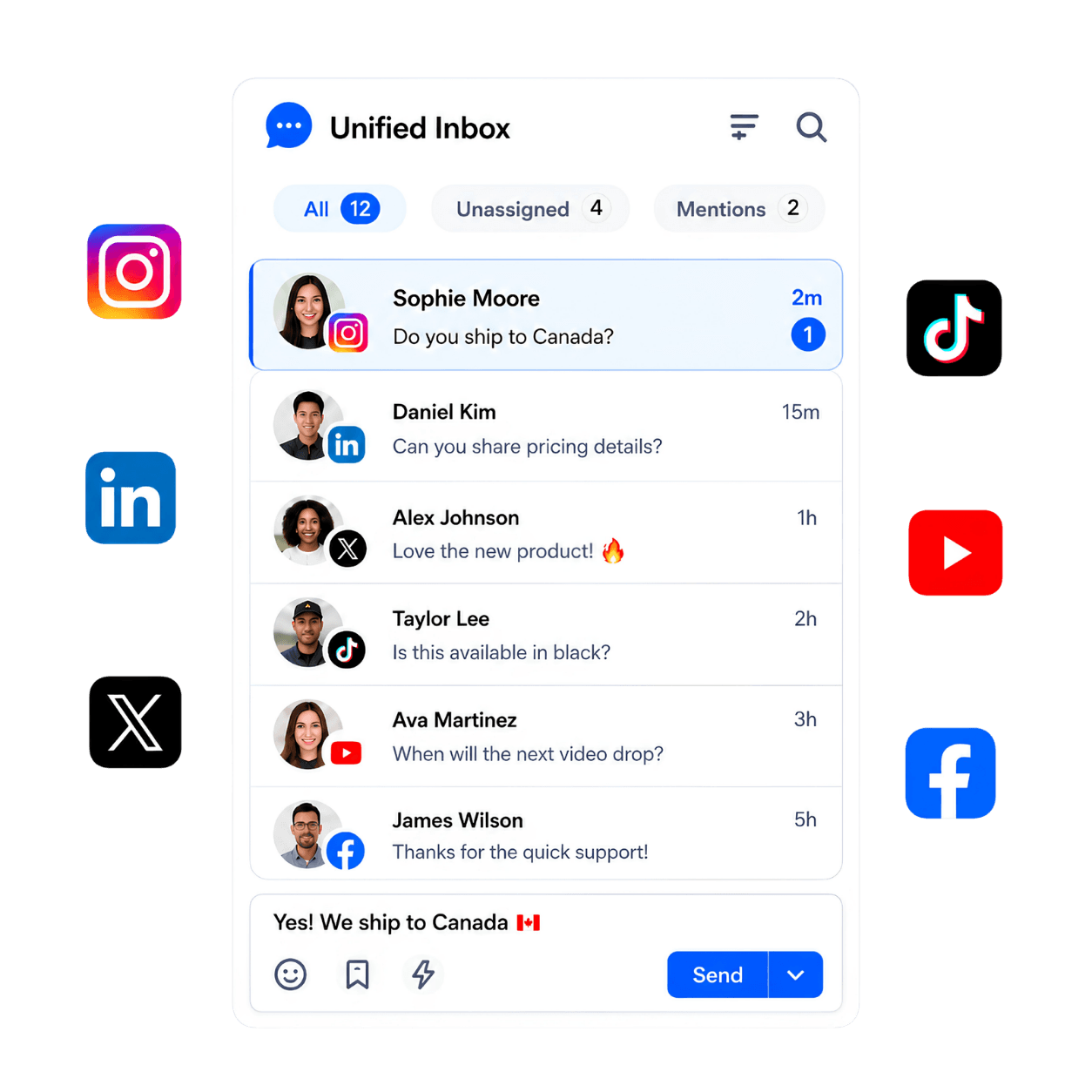
Read and reply to supported comments without losing the original post or account context.


Connect X, LinkedIn, Threads, Instagram, TikTok, and YouTube accounts according to the plan that fits your distribution setup.
Bring collaborators into the same workspace on either plan without paying for another seat.
For creators and small brands.
Billed monthly
12 social accounts and unlimited scheduled posts
For growing brands and teams.
Billed monthly
30 social accounts and unlimited scheduled posts
The landing experience is designed first for solo founders, indie hackers, small startup teams, and creator-led brands that need consistent distribution without hiring a full marketing team.
Socrazi supports X, LinkedIn, Threads, Instagram, TikTok, and YouTube. Publishing, analytics, and comment capabilities vary by platform permissions and API availability.
Yes. Start with shared content, then change the caption, media, or publishing format for individual accounts when a platform needs a different version.
Yes, after you connect and authorize the relevant account. You can schedule posts, and supported TikTok slideshow and green-screen automations can generate or prepare content for the cadence you configure.
Socrazi does not require a waiting period or a daily scrolling routine. Complete your profile, decide who you want to reach, and start sharing original content at a pace you can maintain. Reading and joining relevant conversations can help you understand your audience, but scrolling or liking posts does not guarantee distribution for your own content.
Yes. Add images or videos in the post editor. Accepted file types, sizes, durations, and media counts depend on the destination. Follow the validation shown in the editor and review each account’s preview before scheduling.
Per brand, Starter includes up to 12 connected accounts (2 per platform), and Growth includes up to 30 (5 per platform). Socrazi supports X, LinkedIn, Threads, Instagram, TikTok, and YouTube. These are connected-account allowances, not daily posting quotas.
Open the post from Calendar and review the result and error for each account. Reconnect an account in Settings → Integrations if authorization needs attention, or fix media that does not meet the destination’s requirements. Check the social account before posting again so you do not duplicate a successful publication. If the problem continues, send the visible error to Support.
Set it up once. Socrazi creates and publishes posts on schedule.