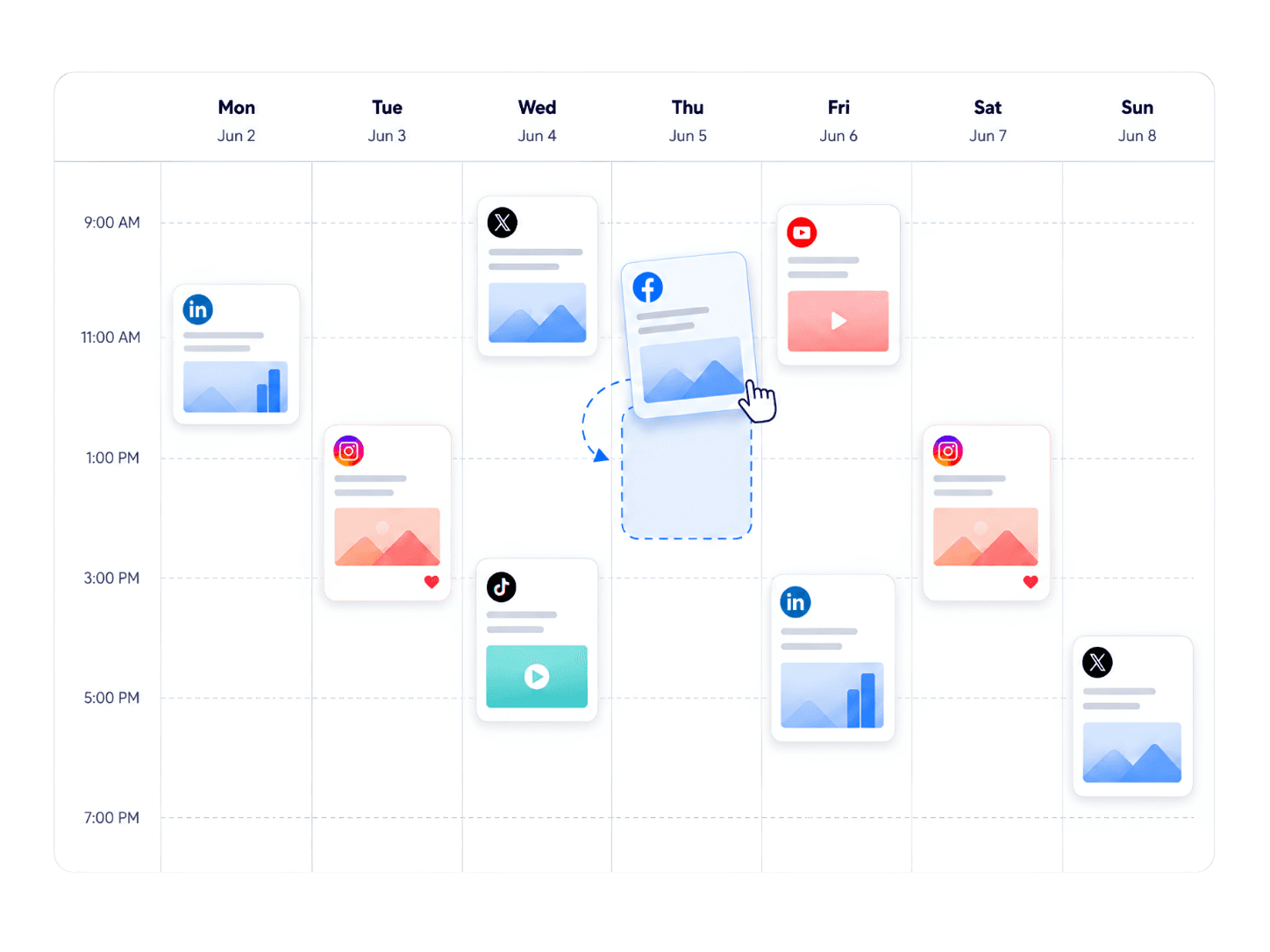
Your first month needs a small, repeatable publishing plan. Use it to find out which customer problems you can explain well, which formats you can make consistently, and which conversations are worth continuing.
Week 1: set up one brand and a clear audience
Write down who the content is for and one problem you can help them solve. A Shopify app might speak to merchants handling repetitive support requests. A software tool might help a small team organize customer feedback. A specific reader makes the next post easier to write.
Complete your social profiles, then connect the intended accounts in Socrazi under Settings → Integrations. Check the profile, page, or channel names after authorization. Begin with one or two networks where you can reach relevant people.
Socrazi does not require a warm-up waiting period. Read and participate in relevant conversations to understand your audience, without treating scrolling or likes as a way to unlock reach.
Week 2: prepare a small batch
Choose a schedule you can keep during a busy week. Three posts a week is an example starting point, not a platform rule. Prepare the drafts together, then review the destination, media, caption, timezone, and date before scheduling them in Calendar.
Give the posts different jobs while keeping the audience the same. You can explain a problem in text, show the solution in a video, or break a checklist into a TikTok slideshow. Use only formats compatible with the selected accounts.
- Post 1: answer a question a customer asked this week.
- Post 2: show one task your product helps someone complete.
- Post 3: explain a common mistake and a useful alternative.
Week 3: change one thing at a time
Compare two ways of opening a useful topic: a direct question and a clear outcome, for example. Keep the audience and the main lesson similar so the comparison tells you something. Do not invent revenue figures, customer quotes, or dramatic results to make a hook louder.
Mention your product where it makes the explanation more concrete. One post may need only a screenshot and a short mention; another may justify a direct invitation to watch a demo. Give readers a next step that matches what they have just learned.
Week 4: review the response and the workload
Use Socrazi’s Analytics to compare the metrics available for your connected accounts. Check native platform analytics when you need details that are not available in Socrazi. Compare similar posts over similar periods; a missing metric is not the same as a zero.
Write down which posts prompted useful replies, which topics people wanted explained further, and how long each format took to produce. Keep a format when it helps your audience and fits your working week. One unusually strong or weak post is not enough to establish a pattern.
Use the first month to improve your decisions. It is not a deadline for reaching a particular view count or revenue target.
Automate a workflow you understand
Once you have a useful format, explore Socrazi’s TikTok slideshow or green-screen meme automations. Configure the content, connected destinations, and cadence, then review the preview and publishing settings. Trend to Post offers a separate workflow based on selected creators and criteria.
Keep time in the calendar for reviewing results and responding to people. Automation helps repeat a publishing workflow; the judgment about what to say and whether it is accurate still belongs to your team.